Cut long videos into vertical clips with AI
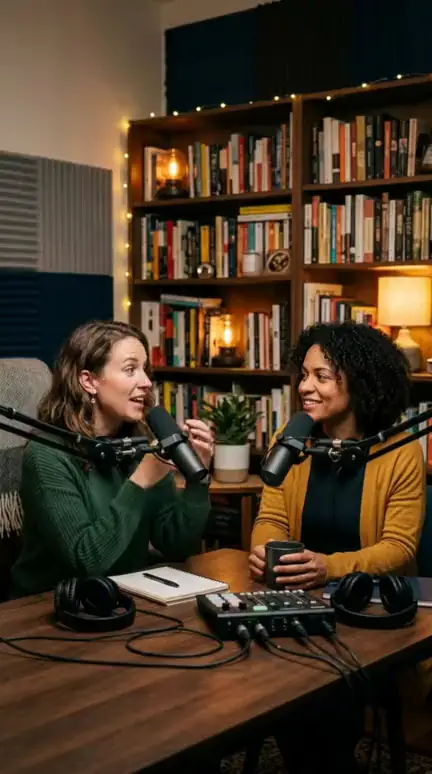
Paste a link to a podcast, stream or interview. AI Clipper reads the whole video, proposes its strongest moments and renders the ones you keep as 9:16 clips with captions.
What you get
It reads the whole video
It downloads and transcribes the video, then picks self-contained moments from the full transcript.
A score and a reason for every clip
Each candidate comes with a score out of 100, the reason it was picked and its timecodes. The best ones are already selected; you keep the ones you like.
You choose the length
30 seconds punchy, 45 balanced, 60 for a story or 90 for a deep one.
Layout, captions and music
Pick Auto, Speaker, Wide, Split or Screen, then add animated captions, a headline, a progress bar and music, in the language you choose.
Pay only for what you render
You pay once to analyse the video, then only for the clips you generate. If the analysis fails, its credits come back.
From start to result in a few steps
Step 1. Paste a link to a long video or upload it. One video per run.
Step 2. Choose the clip length, the layout, captions, headline, music and language.
Step 3. AI Clipper downloads, transcribes and reads the whole video.
Step 4. You get candidate clips with a score, the reason and timecodes. The best ones are already selected.
Step 5. Keep the clips you like and press Generate. Each becomes a finished vertical clip.
What it costs
Everything runs on one credit balance, shared with your videos. A failed job gives its credits back.
| Analysis of the source video, per started 30 minutes | 6 credits |
|---|---|
| Each clip you generate | 2 credits |
Questions about AI Clipper
Long videos where people talk: podcasts, streams, interviews, talks. It works from the transcript, so the moments it finds are the ones that are said.
For 24 hours, so you can come back and render more clips from it without paying for another analysis.
Its credits come back automatically.
No tool can promise that. Since March 2026 Meta counts someone else's footage as original only when you appear in it and add something new, and Meta alone decides who is paid. Your own podcast, stream or interview is the safest source.
Yes. A new account starts with free credits and needs no credit card.
Ready to try it?
Sign up and start with 30 credits on the house, no credit card.