Why Facebook Says 'Criteria Not Met' for Content Monetization (and What to Check)
Followers and views look fine, but Facebook says 'Criteria not met.' Here's what the status really means and a triage order to find your cause.
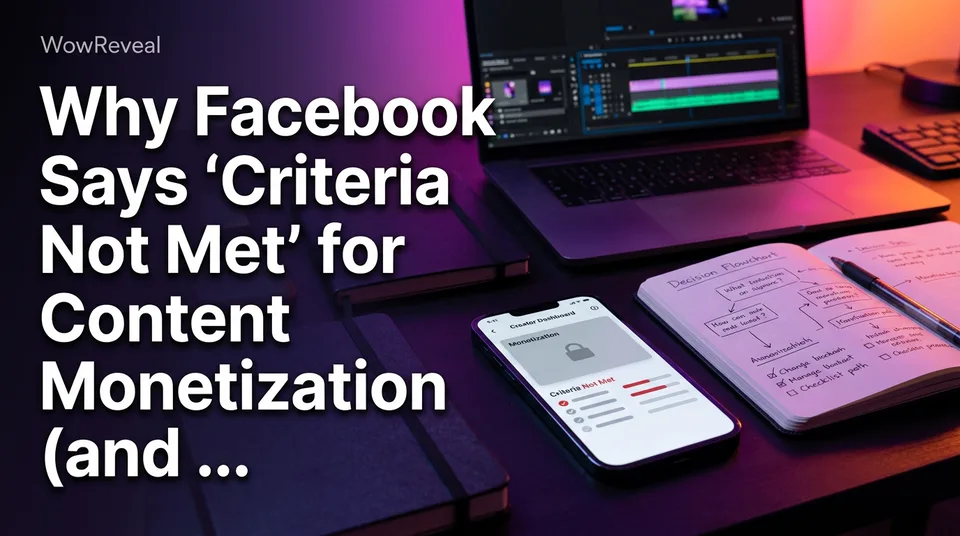
When Facebook content monetization shows "Criteria not met," Facebook currently sees your Page or profile as failing at least one requirement or policy check. It's usually caused by a policy or originality flag, a location or setup issue, or a Page-type mismatch, not by your follower or view counts. The fix starts with checking the status and Page quality in Meta's own tools.
What "Criteria Not Met" Actually Means
"Criteria not met" is a catch-all status, not a verdict. It tells you something is blocking eligibility right now, but it often doesn't tell you what.
That's why the forum threads go in circles. Someone posts "my Page has 21k followers, why?" and gets ten guesses. Nobody can answer from outside your dashboard, and we won't pretend to either.
One more thing worth knowing: the message can appear where you'd expect a specific policy-issue notice. A "criteria" status and a "policy violation" status are not the same thing, and only your own dashboard shows which one applies. Meta also updates its rules, so treat anything here, including anything labeled "requirements 2026," as a pointer to verify on the official pages.
Why Followers and Views Alone Don't Make a Page Eligible
Followers and views are only two of several checks, so a Page can pass both and still be not eligible. Reading "I've met all the criteria" off a follower counter is the most common misread we see.
Think of eligibility as a stack. Audience size is the visible layer. Underneath sit Community Standards history, originality of what you post, whether you're in a supported country, and whether the asset is a proper Page or a personal profile with the right ownership.
A Page with 16k followers and 30k views per video can fail on any one of those lower layers. And Facebook Reels reach doesn't prove eligibility either, since distribution and monetization are judged separately.
The Most Common Causes
Four causes explain most "criteria not met" cases: policy flags, unoriginal content, an unsupported country, and a setup mismatch. Here they are in the order we'd check them.
Policy violations and recommendation limits
Violations of Community Standards or Facebook Monetization Policies can block eligibility, and they can also limit recommendation eligibility, meaning Facebook stops pushing your Reels to non-followers. If your reach fell off a cliff around the same time the status changed, that's a strong signal. Strikes on the Page, or on the admin's profile, can both matter.
Unoriginal or reused content
Reposted clips, lightly edited rips and compilations with no added value are the classic trigger. Meta's content distribution guidelines describe how unoriginal content gets demoted or restricted. We've watched pages lose reach for weeks after leaning on one unoriginal clip too many, and the damage rarely stays with the single post.
Originality means you add something real: your own story, voiceover, commentary or footage. Only post video you own or have permission to use.
Country or region not supported
Facebook content monetization isn't available everywhere. Meta keeps a list of eligible countries, it changes, and it can differ by program and invitation stage. If you or your Page's registered location sits outside it, no amount of content cleanup will change the status.
Page setup: profile vs Page, ownership and admin issues
Monetization tools can differ between a personal profile with professional mode and a Facebook Page. If the content lives on one and you're checking the other, you'll see the wrong status. Admin roles matter too: a Page where you only have limited access may not show the full picture.
And yes, the follower or view minimums can simply be unmet, especially if you're counting the wrong window or a recently migrated Page.
How to Check Your Eligibility Status and Page Quality
Open the monetization section in Meta Business Suite or the Professional Dashboard, read the status and any listed issue, then review Page quality. Do it in that order, because the wording on the first screen is general and the detail often sits one tap deeper.
- Switch to the exact Page or profile that posts your Reels.
- Open the monetization or eligibility section and read the status line and any issue text.
- Open Page quality (account quality on some views) and look for violations, restricted features or reduced distribution notices.
- Check the Page's admin roles and its listed country.
Meta's own Blueprint lesson on checking and maintaining monetization eligibility walks through the same screens, and the interface changes often, so follow what you actually see.
A Quick Triage: Which Cause Fits Your Page?
Match what's visible in your dashboard to the cause, starting with the top row. Page quality notices beat guesses every time.
| What you see | Likely cause | First move |
|---|---|---|
| Violation or restriction listed in Page quality | Policy or Community Standards flag | Review the flagged items, request a review if offered |
| No violations, but reach dropped and you reuse clips | Originality problem | Audit recent Reels, stop reposting |
| Clean Page quality, status never changed | Country, setup or minimums | Check country list, Page type, admin role |
| Monetization section missing entirely | Region, invite stage or wrong account | See the last section below |
| Status flips between profile and Page | Profile vs Page mismatch | Work from the Page that holds the content |
If two rows fit, fix the policy and originality side first. They're the ones that can quietly get worse while you wait.
How to Fix It and Re-Check
You fix it by removing what's flagged, correcting setup and country issues, requesting a review where Facebook offers one, and re-checking. Meta publishes no timeline, and restoration is never assured, so anyone promising a date is guessing.
Clean up content and review appeals
Delete or stop posting reused and flagged Reels. Then request a review if your Page quality screen shows the option. Don't mass-delete everything in a panic; remove what clearly breaks the rules and keep what's original.
Going forward, build Reels from your own angle. If you work from long source footage you own, a tool like WowReveal can write a fresh story voiceover and clip the best moments, so each Reel carries your own narration rather than a copy of someone else's clip. Still, your content needs to be yours to use, because no tool fixes that.
What to do while you wait
Keep posting original Reels on a steady schedule, and don't open ten new Pages as a workaround, because that can create new problems. Re-check the status weekly, not hourly. Log what you changed and when, so a later review has context.
Not Seeing Monetization at All? Eligible Countries and Invitations
If you don't see Facebook content monetization at all, you're most likely outside a supported country, not yet invited, or looking at the wrong account. That's different from seeing "Criteria not met."
First check your country against Meta's current eligible-countries information. Then look for an invitation or interest form inside the dashboard; Meta has used those in staged rollouts. There's often no separate "apply" button until Facebook shows one to you. Submitting an interest form doesn't guarantee access.
Finally, about money: pay per 1,000 views isn't fixed. It varies by content, audience and program, and nothing here promises earnings. If you want a rough estimate, WowReveal has a free Facebook earnings calculator, but treat the output as a guess, not a payout.
Frequently asked questions
Why am I not eligible for content monetization on Facebook?
Usually because of a policy or originality flag, an unsupported country, or a profile-versus-Page setup problem, not because of follower counts. Check the status and Page quality in Meta Business Suite or the Professional Dashboard to see which applies.
How long until monetization is restored after I fix issues?
Meta gives no guaranteed timeline, and restoration isn't assured. Fix the cause, request a review if one is offered, and re-check the status periodically.
How much does Facebook pay per 1,000 views?
There's no fixed rate. It varies by content, audience and program, so any single number is an estimate at best. Use a calculator for a rough range, not a promise.
Where to go next
- Facebook Content Monetization Requirements Explained: Who Qualifies and How Approval Works — verify each requirement against your Page, one by one.
- Original Content on Facebook Reels: What Counts and What Doesn't — the originality problems that most often trigger this status.
- How Many Followers Do You Need to Monetize Facebook Reels? — why follower count is only one criterion.
- Monetization-Safe Shorts: A Pre-Publish Checklist for Every Reel and Short — prevent the next flag once you've cleaned up.
- Facebook Reels Monetization: How It Works, Who Can Earn and What to Expect — what earning looks like once you're eligible.
Turn any video into a ready-to-post Reel
Paste a link — WowReveal writes the story, voices it in 9 languages and adds captions, a headline and music. Start with free credits, no card.
Start free →