When Does Facebook Pay Creators? Payout Timing, Minimums and Common Delays
Facebook pays monthly, but only after a month closes and your setup is complete. Here's how the cycle works and how to tell a normal wait from a real problem.
In this article
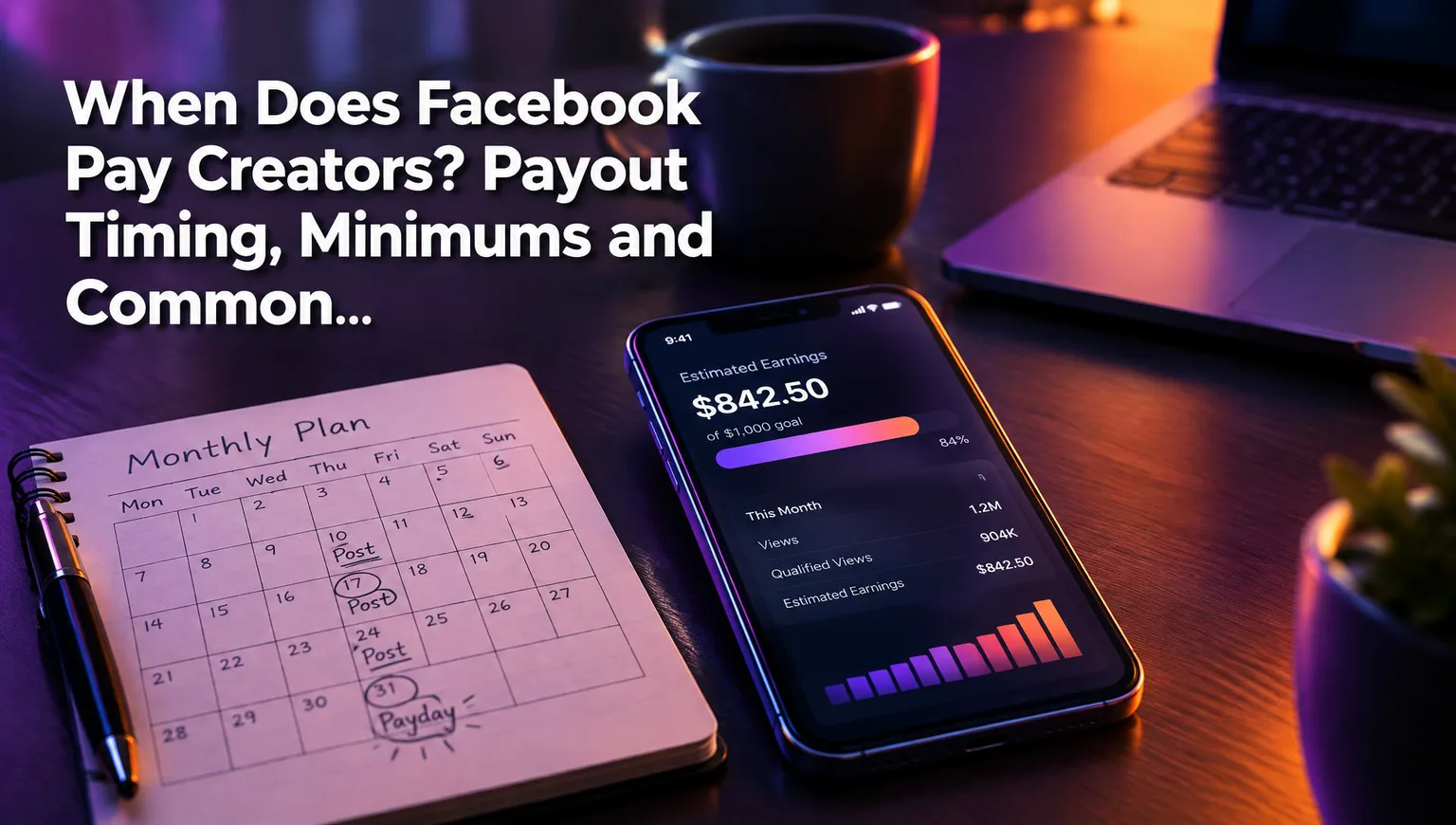
Facebook pays creators monthly, but only once your balance has reached the minimum payout threshold and your payout account and tax information are complete. Payment lands after the earning month ends, so your first payment often arrives weeks after you started earning. Exact dates and amounts vary, so check them in your Meta payout settings rather than trusting any blog, including this one.
How often does Facebook pay creators?
Facebook pays on a monthly cycle: earnings accrue during one calendar month and are paid out after that month closes. Nothing is paid the day a view happens, and nothing is paid mid-month.
Think of it as two clocks. The first clock is the earning month. The second is the processing window that starts when the month ends. A Reel that earns on the 3rd and one that earns on the 28th both wait for the same close.
Most "I haven't been paid" panic comes from missing this. The money isn't late. It simply hasn't reached the second clock yet.
Why your first payout can take longer than a month
Your first payout is usually the slowest, because everything has to line up for the first time. The earning month must close, the balance must clear the threshold, and your payout account and tax info must be approved.
Here's a rough way to estimate your window. Take the month you first saw earnings in your Facebook content monetization dashboard. Your payment can't come before that month ends. Expect it some weeks after that, and add a full extra cycle if your balance is still under the minimum. That's an estimate, not a date. Meta decides.
What is the Facebook payout minimum?
The payout minimum is a balance threshold you must reach before Facebook releases money, and the current figure is shown in your Meta payout settings. We're not hard-coding a number here because Meta can change it, and it can differ by payout method or region.
If your balance is below the threshold when the month closes, nothing is lost. The balance carries over to the next cycle and keeps adding up until it clears the minimum. A small page can easily go two or three cycles before the first payment.
The practical move: open your earnings area, find the threshold, and compare it with your balance. That one comparison explains a large share of "not paid" cases.
What you need set up before Facebook can pay you
Facebook can only pay you when three things are in place: an eligible page, a payout account, and approved tax information. Miss any one and the money sits. Meta's creator hub and Business Help Center hold the current steps, which change from time to time.
Payout account
Add your bank account or other supported payout method in the payout settings, and make sure the name and details match your legal identity exactly. A single wrong digit or a name mismatch is enough to bounce a payment. Use the same spelling that appears on your bank records.
Tax information
Complete the tax form Meta asks for in your settings, and check that its status says approved, not just submitted. Tax info is the most common silent blocker we see page owners trip over, because the form feels like paperwork and gets left half-done. If it's rejected, you'll usually see a notice. Fix the mismatch and resubmit.
Eligible page and Professional mode
Your page needs to be in Professional mode and meet the requirements for Facebook content monetization at the time you earn. Being invited once doesn't lock eligibility in. Meta can pause it if a page stops meeting the rules.
Facebook payout not received: common delays and fixes
If your Facebook payout hasn't arrived, the cause is almost always one of five things: the month hasn't closed, you're under the threshold, tax info is missing or rejected, the bank details failed, or there's a policy hold. The first two are normal waiting. The last three are fixable or need action.
A policy violation or monetization hold is the one people ask about most. Yes, Meta can limit or withhold earnings when content breaks its monetization or originality rules, for example reposted clips you don't have rights to. Watch for notices in your settings. We've watched pages lose weeks of momentum from one unoriginal upload, and the cleanest prevention is making original, transformed content in the first place.
Quick checklist: normal wait or real problem?
| What you see | Likely cause | Normal or fixable? |
|---|---|---|
| Earnings showing, month not over | Earning month still open | Normal, wait |
| Month closed, balance under minimum | Below payout threshold | Normal, it rolls over |
| Balance above minimum, no payment | Tax info or payout account incomplete | Fixable |
| Payment failed or returned | Bank detail or name mismatch | Fixable |
| Earnings paused or notice in settings | Policy violation or monetization hold | Needs action and review |
| First month of earnings, no payment yet | First-payout delay | Normal, wait for the cycle |
Start at the top and work down. Only escalate to Meta once you've ruled out the first two rows, because those need nothing from you.
To check status, use your Meta payout and monetization settings, or the earnings area in the creator tools. Balance, payout status and any notices live there.
Do Reels earnings change when you get paid?
No, Facebook Reels earnings go through the same monthly payout as the rest of your monetized content, with no separate schedule. Reels revenue accrues in the month it's earned and pays out after that month closes, alongside everything else.
What does change is how much you earn. Amounts vary with views, watch time, audience location and your eligibility, and they're never guaranteed. Programs and rates can change too. If you want a rough sense of income, use a Facebook earnings calculator for estimates, and treat the result as a range, not a promise.
Consistency matters more than any single payout date. Pages that post original Reels steadily, with a clear hook and strong retention, give themselves more chances to clear the threshold each month. That's where a tool like WowReveal fits: it speeds up the repetitive production work, such as clipping, captions and voiceover, so you can keep a steady posting rhythm without burning out.
Frequently asked questions
Why hasn't Facebook paid me yet?
Most often the earning month hasn't closed, or your balance is below the payout threshold. If neither applies, check that your tax information is approved and your payout account details are correct, then look for policy notices in your settings.
What happens to earnings below the payout minimum?
They carry over to the next cycle and keep accumulating until the balance reaches the minimum. Check the current threshold in your Meta payout settings, since it can change.
Does Facebook hold payments after a violation?
It can. Meta may limit monetization or withhold earnings when content breaks its rules, and you'd normally see a notice in your settings. Review the notice and follow the appeal or recovery steps it gives.
Where to go next
- Facebook Payout Threshold: When Does Facebook Pay Creators? — Goes deeper on how the threshold works and how it affects your first payment.
- What Is Facebook Professional Mode? Definition, Setup and Page Differences — Fixes the setup prerequisite if your page isn't in Professional mode yet.
- How to Check Your Facebook Monetization Status and Eligibility — Confirm the page is eligible before you troubleshoot payouts.
- How to Recover Facebook Monetization After a Violation or Rejection — The next step if your delay comes from a policy hold.
- How Much Does Facebook Pay per 1,000 Views? Estimates and Variables — Answers the follow-up question of how much a payout might be.
Generate your reel right now
Paste a link to any video — WowReveal writes the story, voices it and adds captions, a headline and music. Ready for Reels, Shorts and TikTok.



No link? Upload a file
- 30 free credits
- No card needed
- Voiceover in 27 languages
- Failed jobs refunded