What Is Image-to-Video AI? A Plain-English Definition
Image to video AI animates a single still image into a short clip. Here's what it does, where it breaks, and how it fits into a daily Reels and Shorts routine.
In this article
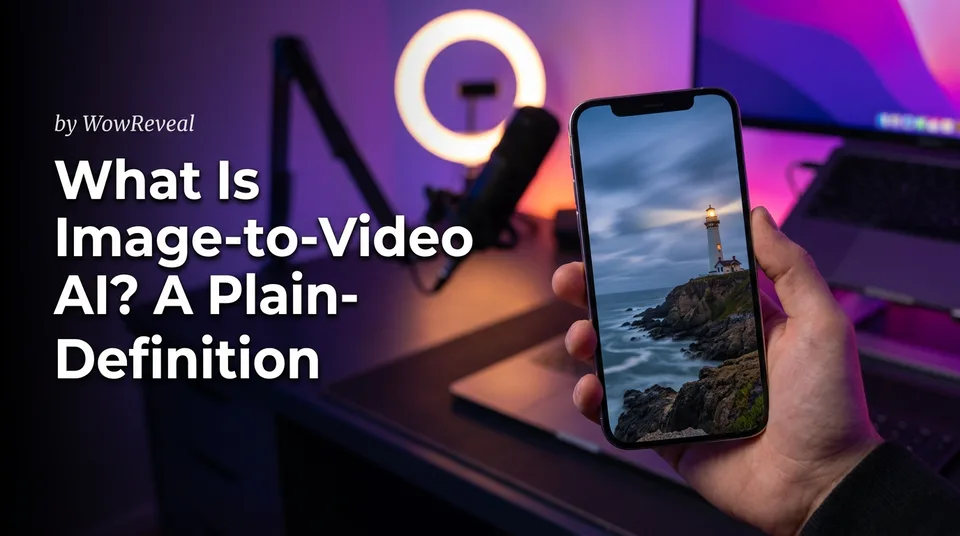
Image to video AI is AI that animates a still image into a short video clip, usually a few seconds long, by predicting motion from the picture and an optional text prompt. You give it a photo, a graphic or an AI-generated picture. It gives back a moving version of that image.
Key points
- Input: one starting image, plus an optional motion prompt.
- Output: a clip of roughly 3 to 10 seconds, depending on the model.
- Strength: the look, characters and style come from your image.
- Limit: motion errors like warped hands, flicker and drifting details.
- In practice, one clip is a scene, not a finished Reel.
Image-to-video AI in one definition
Image-to-video AI is a model that looks at a single frame and invents the frames that could come next. It doesn't film anything. It guesses how clouds, hair, water or a camera would move, then renders that guess as video.
So the picture decides what you see, and the model decides how it moves. That split explains almost everything about it.
How image-to-video AI works, step by step
The workflow is the same in nearly every tool, and it takes a few minutes per clip.
Start with an image
Upload a photo or graphic, or generate a picture first. Use a sharp image with clear subjects. Vertical 9:16 images save you cropping later.
Add a motion prompt
Type what should move and how the camera behaves. Leave it empty if you want the model to decide, but expect more random results.
Generate, review, re-run
Watch the clip at full size. Results vary per run, so the same image and prompt can give a great take and a bad one. Plan to generate two or three versions.
What an image-to-video prompt should say
A good image-to-video prompt describes motion and camera, never the picture again. The image already shows the subject, so repeating it wastes your prompt and can confuse the model.
Think of two prompts. The image prompt (used if you generate the picture first) says what's in the frame. The motion prompt says what happens: "slow push-in, hair moving in light wind, steam rising from the cup." Keep it to one or two movements. Five at once usually means a mess.
Strengths: the look comes from your starting image
The biggest strength is consistency: the exact look, character and style stay close to the source image. That gives you more control than text-to-video AI, where the model invents everything at once.
It's also handy for animating a photo with AI when you have a strong still but no footage. A product shot, an old family photo you own, or an illustration can all become movement.
Limits: short clips and motion errors
Clips are short, and the motion isn't always believable. Most models cap out around 5 to 10 seconds, and realism is never guaranteed.
We've seen the same problems again and again, so check for them before posting:
- Warped or extra fingers, melting faces
- Flicker or texture that shifts between frames
- Background details that drift or vanish
- Movement that looks floaty or unnatural
If a clip fails two of those checks, re-run it. Don't hope viewers won't notice.
Image-to-video vs text-to-video
Use image-to-video when you need a specific look, and text-to-video when you only have an idea. Text-to-video starts from words alone, so it's faster to try but harder to keep consistent across scenes. Image-to-video starts from a fixed picture, so characters and style hold together better.
Is it free, and is it safe to post?
Most tools offer limited free credits, and truly unlimited free image-to-video is rare. Any "photo to video AI free" or "unlimited" claim deserves a check for watermarks, resolution caps and credit rules. Tools from Adobe Firefly to Canva and WowReveal AI Studio all handle credits differently.
Safety is mostly about what you upload and what you disclose. Use images you have rights to. Avoid real people's likeness without permission. Read the platform's AI rules: for example, YouTube asks creators to disclose realistic altered or synthetic content. Platform rules change, so recheck them. And review every clip yourself before it goes live.
Where it fits in a Reels and Shorts workflow
An image-to-video clip works best as one scene inside a longer vertical 9:16 short for Facebook Reels, YouTube Shorts, TikTok or Instagram Reels. A 5-second clip isn't a Reel. Combine several, add a story voiceover, captions and a strong hook, and you have something worth posting.
When picking the best AI for photo to video, judge on clip length, vertical output, motion quality, prompt control, credit pricing and refunds on failed jobs. Test two tools with the same image before you pay for either.
Where to go next
- What Is Text-to-Video AI? A Plain-English Definition — the sibling definition, so you can compare the two methods.
- Text-to-Video vs Image-to-Video: Which to Use for Shorts — a deeper comparison for choosing between them.
- AI Video Generator for Shorts: When to Use Images, When to Use Video — practical guidance on using generated clips in Shorts.
- Can ChatGPT Make an AI Video? What It Can and Can't Do — a common beginner question about AI video tools.
- Can You Post AI or Repurposed Video on Facebook Without Breaking Originality Rules? — the safety question for monetized pages.
- AI Short Video Creation for Reels and Shorts: The Complete Guide — the full workflow where image-to-video clips fit.
- Best Free Image-to-Video AI Generators: What Free Really Includes
- Which Text-to-Video Model Is Best? How to Compare Models for Shorts
Generate your reel right now
Paste a link to a long video — AI finds the best moments and turns them into ready Shorts with captions.

No link? Upload a file
- 30 free credits
- No card needed
- Voiceover in 9 languages
- Failed jobs refunded