Best Moments Reels: Turning Highlights Into a Repeatable Format
A best moments Reel is a template, not a clip dump. Here's the hook, order, pacing and ending that make each episode repeatable and original.
In this article
A best moments video is made by picking four to six of the strongest clips from one source or theme, opening with the strongest one as a hook, ordering the rest as a ranked countdown or in chronological order, adding framing of your own, and exporting vertical 9:16 at 1080x1920. A best moments Reels format means reusing that exact structure every episode, so the series is recognizable and quick to produce.
What a best moments Reel is (and what makes it a format)
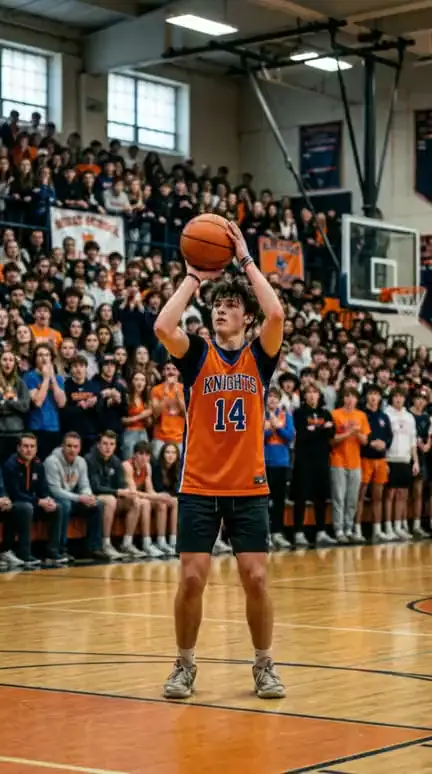
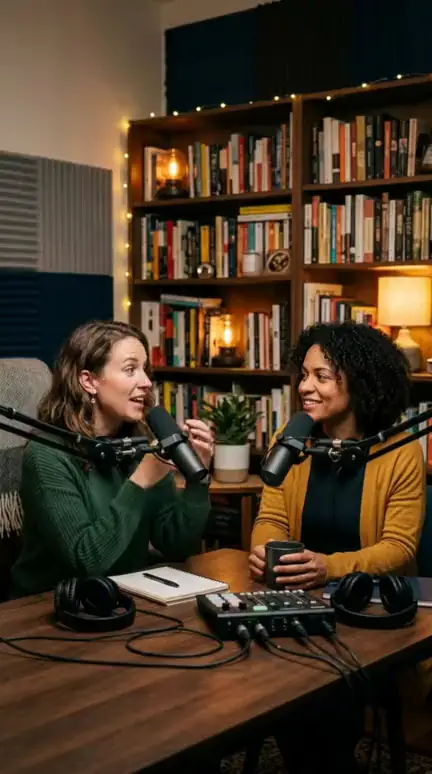
A best moments Reel is one theme, four to six clips, and the same structure every time. The theme can be a match, a podcast episode, a week of rescues, or a talent show season. The structure is what turns it into a format.
Most pages that struggle with highlights aren't short on footage. They're short on rules. If every episode has a different length, a different order logic and a different ending, viewers can't learn what to expect, and neither can you when you're editing your fifth video of the week.
A format is a decision you make once: the slots, the pacing, the caption style, the title pattern. After that, each episode is just filling slots.
The 4-part structure: hook, order, beats, ending
Every episode has four parts: a hook, an order, short beats and an ending. Fix all four and you can build an episode on autopilot.
Hook: open with the strongest moment or a preview
Open with your strongest moment, or a 1-2 second flash of it, in the first second. Viewers decide almost immediately whether to keep watching, and retention in the opening seconds shapes how far a Reel travels. A line like "Number 1 is unreal" over the preview gives them a reason to stay for the countdown.
Ranked countdown vs chronological: when to use each
Use a ranked countdown when the clips are comparable and opinions are fun, like goals, tricks, reactions or rescues. Use chronological order when the source has a built-in arc, like one match, one event or one long interview. Countdown makes viewers wait for number one. Chronological lets the source tell the story. Don't mix them in one episode.
Ending: a payoff line or a next-episode setup
End on a payoff line ("and that's why number 1 wins") or a setup for the next episode ("next week: the 5 funniest fails"). A hard stop on the last clip wastes your best chance to create a habit. The ending is where a one-off viewer becomes a follower.
Pacing: how long each moment should run
Each moment should run about 3-8 seconds, which puts a typical episode at roughly 25-45 seconds. Treat that as a guideline, not a guarantee. Some sources need longer beats, and no length promises reach.
| Slot | Target length | Job |
|---|---|---|
| Hook | 1-3 seconds | Preview the strongest moment |
| Clips 5 to 2 | 3-8 seconds each | One clear beat per clip |
| Clip 1 | 5-8 seconds | The payoff |
| Ending | 2-3 seconds | Payoff line or next-episode setup |
Cut dead air hard. Start each clip on the action, not the build-up, and end it the moment the point lands. If you need a second of context, add it as an on-screen caption instead of keeping the slow footage. Short animated captions also keep the episode readable with the sound off.
Add your own framing so it counts as original
Original framing means every episode carries something the source clip doesn't: a ranking reason, a one-line caption per clip, or a voiceover. Without it, a compilation is just reused content, and platforms treat reused content cautiously. Meta's Facebook content monetization rules, YouTube's reused content policy and TikTok's originality guidance all reward added value. Rules change, so check the current versions before you build a business on them.
Put the framing in the format itself. Slot one: a caption naming the rank. Slot two: a single sentence on why it earned that spot. Slot three: an AI voiceover or your own voice tying the clips together. Written once into the template, it never gets skipped on a busy day.
One firm limit. Framing doesn't replace rights. Use your own footage, footage you have permission to use, or clearly licensed material. We've watched pages lose reach for weeks after reposting a few unoriginal clips, and no caption trick fixes that.
The mistake to avoid: clips with no story
The biggest failure is stringing clips together with no theme and no reason for the order. Viewers feel it by clip three. Nothing builds, so nothing pulls them to the end.
The fix takes 10 seconds before you edit. Write one sentence: "These are the 5 [theme], ranked by [reason]." If you can't finish that sentence, you don't have an episode yet. If the sentence is clear, the order, the hook and the ending nearly write themselves.
Make it a weekly series
A weekly or daily series needs a fixed episode template, a recurring title pattern and a stable length. Name it like a show: "Best Moments of the Week: Episode 14" or "Top 5 Saves This Week". Keep it the same every time so viewers recognize it in the feed. Pages that run a best moments template across Facebook Reels, Instagram Reels, YouTube Shorts and TikTok reuse the same episode with only the caption and tags adjusted.
Sourcing is the slow part. Scrubbing a 60-minute source for four good clips eats the hour you saved elsewhere. An AI Clipper such as the one in WowReveal scans the source and surfaces the strongest moments, then the compilation tool, captions and voiceover assemble the episode. You still choose the order and write the reason. That's the part viewers actually follow you for.
Export settings: 9:16 and 1080x1920
Export best moments Reels as 9:16 vertical at 1080x1920, MP4, at 30 FPS or higher. That answers the "what format is best for Reels" question. Instagram's own Reels size and aspect ratio guidance says Reels accept ratios from 1.91:1 to 9:16, but only 9:16 fills the screen. Specs can change, so recheck occasionally.
On the 4:5 vs 9:16 question, 4:5 is a feed ratio, and in Reels it leaves empty bars or gets cropped. 16:9 and 4:3 do the same, only worse. Keep captions and your hook text away from the top and bottom edges, where the interface covers them.
Pre-publish checklist:
- One theme and one-sentence reason for the order
- 4-6 clips, each about 3-8 seconds
- Hook in the first second
- Ranking caption or voiceover on every clip
- Payoff line or next-episode setup at the end
- Rights to every clip cleared
- 1080x1920, 9:16, MP4, 30 FPS or higher
Frequently asked questions
What format is best for Reels?
Vertical 9:16 at 1080x1920, exported as MP4 at 30 FPS or higher. Instagram accepts ratios from 1.91:1 to 9:16, but 9:16 is the only one that fills the screen. Facebook Reels, YouTube Shorts and TikTok use the same vertical frame.
Are Reels 4:5 or 9:16?
Reels are 9:16. The 4:5 ratio belongs to feed posts, and a 4:5 video in a Reel leaves bars or gets cropped.
How long should a best moments Reel be?
A typical episode of four to six clips at about 3-8 seconds each lands around 25-45 seconds. That's a working guideline, and your source and audience may call for something different.
Where to go next
- How Does an AI Clipper Pick Highlights? Highlight Detection Explained — Understand how the strongest moments get found before you rank them.
- How to Make a Compilation Short with AI, Step by Step — A hands-on workflow for assembling the episode.
- How to Add Commentary to Reused Video for Facebook Reels — Go deeper on the originality layer for reused footage.
- Packaging a Reel: Cover, Title, Description and Hashtags Before You Post — The packaging step before each episode goes out.
- Niche Templates for Reels: Repeatable Formats for Daily Posting — Turn this episode structure into a reusable template.
Generate your reel right now
Paste a link to a long video — AI finds the best moments and turns them into ready Shorts with captions.

No link? Upload a file
- 30 free credits
- No card needed
- Voiceover in 9 languages
- Failed jobs refunded