How Long Should a Clip Be for Shorts and Reels? Limits and Ranges
Official length limits for YouTube Shorts, Instagram Reels, Facebook Reels and TikTok rewards, starting ranges by clip type and a simple length test.

In this article
Make the clip as long as the moment and no longer. For most story and highlight clips that lands between 15 and 60 seconds, but that's a working range, not a platform rule: none of the platforms publishes an ideal length. What they do publish are maximums and a few cut-offs that matter, and those are below.
What each platform actually says about length
The maximum is a ceiling. It tells you what the app will accept, not what viewers will sit through.
| Platform | What the official page says | Source |
|---|---|---|
| YouTube Shorts | Square or vertical videos up to 3 minutes, uploaded on or after 15 October 2024, are categorized as Shorts. Earlier uploads stay long-form | YouTube Help |
| Instagram Reels | Record and edit up to 20 minutes. Reels over 3 minutes won't be recommended to new audiences | Instagram Help |
| Facebook Reels | Reels can be any length or orientation; all Facebook videos are now shared as reels | Meta Business Help |
| TikTok Creator Rewards | A video must be at least one minute long to collect rewards | TikTok Help Center |
The TikTok Help Center pages cited here don't state a maximum upload length, so the limit on your account is whatever the upload screen shows.
Three of those lines change decisions:
- Instagram: 3 minutes is a distribution line. A 4-minute reel can be posted, but Instagram says it won't be recommended to new audiences. Its creator guidance says content "has to be 3 minutes or less" to be recommended, and to pull the viewer in "within the first 3 seconds".
- TikTok: a clip under one minute can still reach people, but it isn't eligible for Creator Rewards. If rewards are your goal, the short cut and the 60-plus-second cut are two different products.
- YouTube: a Short over one minute that carries a copyright claim of any type is blocked, per the same page. Under one minute the limits are unchanged. If you use music, the music rules for Reels and Shorts matter more as the length grows.
Start from the moment, not the cap
A 12-second moment should run 12 seconds. A story that needs 45 shouldn't be squeezed to 15. The useful question is what each second is doing.
A worked example with invented numbers. A clip has four beats: hook, build, turn, payoff. At 7 to 10 seconds each, that's 28 to 40 seconds. If you add a fifth beat only to hit a round number, you've made the clip worse. And if you can delete a 10-second stretch and nothing breaks, those 10 seconds were padding.
Viewers leave at dead spots: the slow lead-in, the repeated explanation, the extra seconds after the payoff. Instagram tells creators to pull the viewer in within the first 3 seconds, and the logic holds anywhere: a clip nobody gets past second 3 has no length problem to solve.
Starting points by clip type
These are editorial starting ranges, not published rules, and you should test them on your own audience.
| Clip type | Starting range | What it needs |
|---|---|---|
| Loop, one trick or transformation | 7 to 15 seconds | An ending that joins the first frame |
| Satisfying restoration | 15 to 30 seconds | Fast before and after, visual payoff |
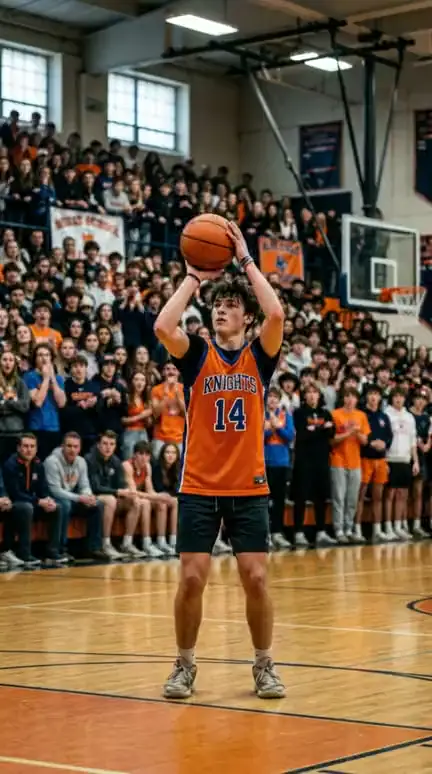
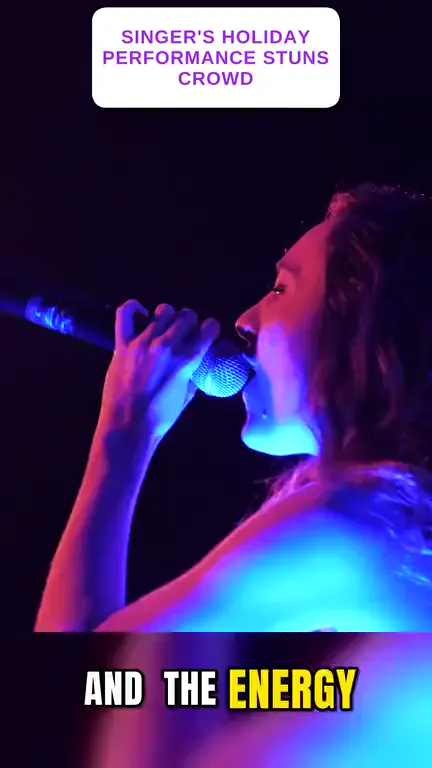
| Sports or talent moment | 10 to 45 seconds | Setup, the moment, the reaction |
| Animal rescue | 20 to 45 seconds | Problem, rescue, reaction |
| Story short with voiceover | 30 to 60 seconds | Every beat of the story, nothing extra |
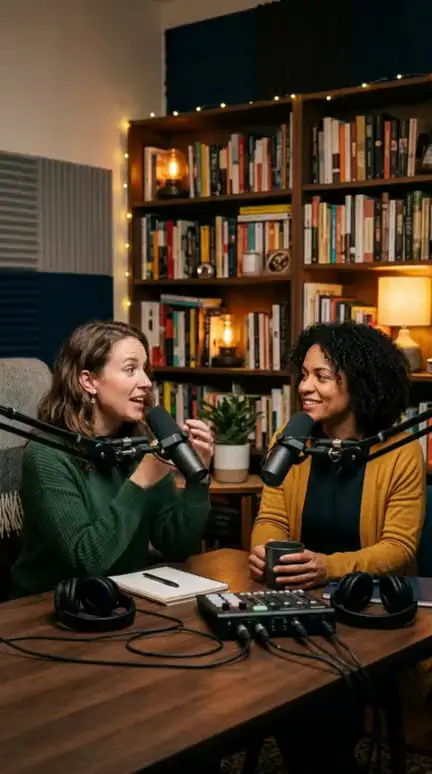
| Podcast or interview clip | 30 to 60 seconds, up to 90 | One complete point, start to finish |
| Rewards-targeted TikTok | Over 60 seconds | Enough substance to justify the minute |
For a podcast clip, one complete thought is the unit. If the speaker makes the point in 35 seconds, cut the "so, anyway" before it and the tangent after it. Sports and talent moments should open a beat before the setup and end on the reaction.
On YouTube, a story or a full performance can use the 3-minute allowance. A rule of thumb, not a YouTube rule: give the viewer something new every 10 to 15 seconds, or it plays like a weak long video. If it fits in 60 seconds, use 60.
Choosing the cut points
Start just before the setup and end right after the payoff or reaction, with a breath on each side. Make the last frame the payoff, not a fade-out.
- Cut the logo or "hey guys" intro and open on the strongest frame.
- Keep only the strongest moments.
- Trim long pauses. A half-second gap feels natural in a room and slow on a phone.
- Drop any beat that repeats what was just shown.
Pace the middle with something visible every few seconds: a cut, a zoom, a new angle or a new caption line. A calm shot can hold longer than a talking head can.
Setting clip length in WowReveal
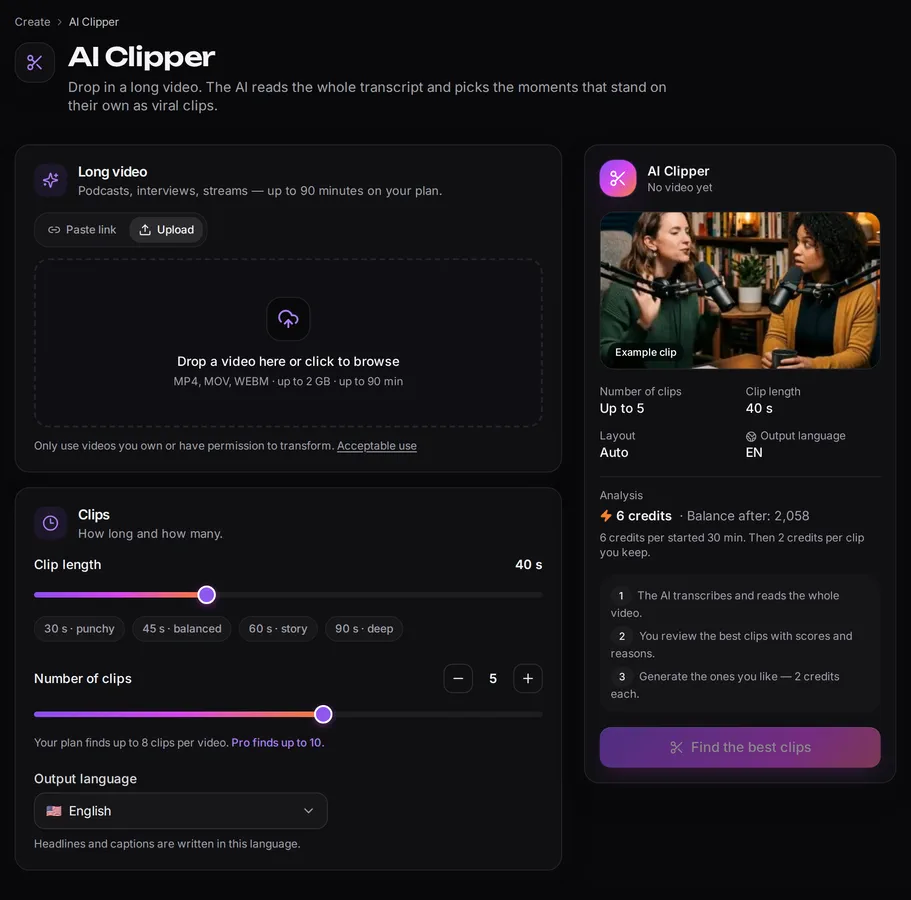
WowReveal's AI Clipper takes a long podcast, stream or interview and finds the best moments.
- Open AI Clipper and paste a link or upload the long video.
- Set the clip length (30 to 90 seconds), how many clips you want and their language. The summary shows the analysis cost before the search starts.
- Review the captioned clips it cuts and keep those whose ending lands on the payoff.
- For a story short instead, set a length of 15 to 60 seconds in the Basics step, then choose between cutting the best moments and keeping the whole video with only an AI voiceover.
Test lengths instead of guessing
Compare each version's completion rate and average watch time as a share of its length, using each platform's own analytics, not total views, which depend on distribution luck. Check how many viewers are still there at second 3 to judge the hook.
- Pick one repeatable format, such as voiceover stories in one niche.
- Cut the same kind of story at two or three lengths, for example 20, 40 and 60 seconds.
- Change only the length. Keep the hook style, captions, cover and posting time the same.
- Post 5 to 10 of each over two weeks, because one clip proves nothing.
- Keep the length that holds the larger share, and repeat the test next month.
Length doesn't decide eligibility or pay by itself. Originality does far more, as in how Meta's originality rules treat repurposed video.
Sources
Checked on 13 November 2026.
- Understand three-minute YouTube Shorts - YouTube Help
- Record a reel on Instagram - Instagram Help Center
- What Creators Need To Know About Instagram Recommendations - Instagram for Creators
- Create a Facebook Reel - Meta Business Help Center
- Making it easier to create videos on Facebook - Meta
- Creator Rewards Program - TikTok Help Center
Frequently asked questions
Is a 3-minute video a YouTube Short?
It can be. YouTube categorizes square or vertical videos up to 3 minutes uploaded on or after 15 October 2024 as Shorts. Earlier uploads stay long-form.
How long can an Instagram Reel be?
Instagram says you can record and edit up to 20 minutes. Reels over 3 minutes won't be recommended to new audiences.
Is there a maximum length for Facebook Reels?
Meta says Reels on Facebook can be any length or orientation, since all Facebook videos are now shared as reels.
How long must a TikTok video be to earn from Creator Rewards?
At least one minute, according to TikTok's Help Center. Shorter videos can still be posted but don't collect rewards.
Is shorter always better?
No. No platform publishes an ideal length, so size the clip to the moment and test versions on your own audience.
Where to go next
Generate your reel right now
Paste a link to a long video — AI finds the best moments and turns them into ready Shorts with captions.
No link? Upload a file
- 30 free credits
- No card needed
- Voiceover in 27 languages
- Failed jobs refunded
Hrant Melkonyan
Founder of WowReveal. Makes AI videos himself: one of his TikTok videos passed 2 million views. Builds the AI pipelines behind WowReveal and ReelForge that turn long videos into vertical Reels and Shorts with voiceover, dubbing and animated captions. Based in Yerevan, Armenia.
About WowReveal →