How to Make a Reel on Instagram (2026): Step by Step
Tap Create, then Reel: Instagram's own steps for a reel on a phone or a computer, with the limits that matter (20 minutes, 3 for new audiences, 9:16, a 420 × 654 cover, five hashtags) and what counts as original.

In this article
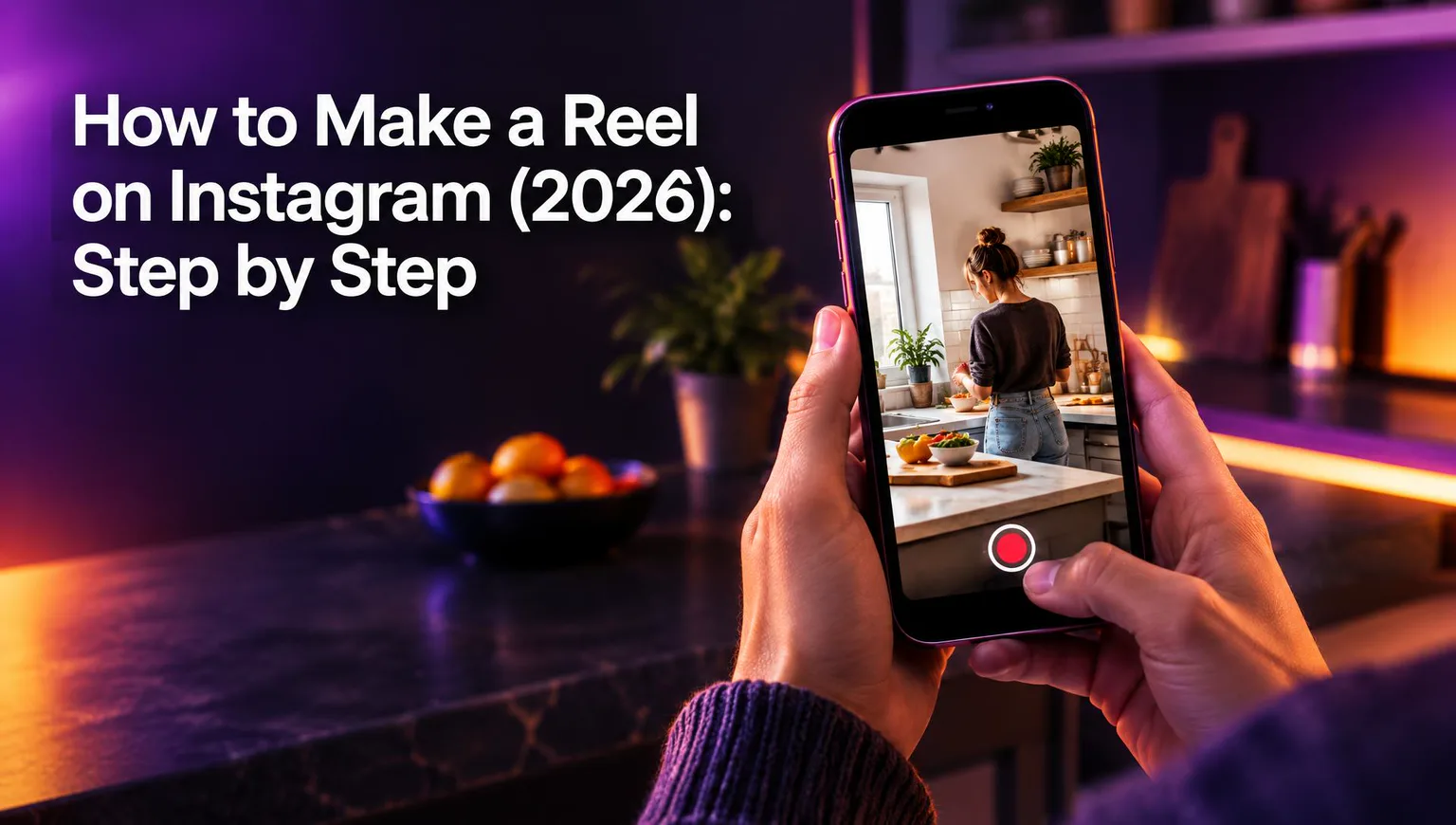
To make a Reel on Instagram, tap Create at the bottom of your Feed, then Reel. Record a clip or add one from your camera roll, add audio, text or effects, tap Next, write a caption, choose the cover and tap Share. That is the flow Instagram's Help Center describes for the iPhone app, and the steps below follow it, with the limits Instagram publishes. Menus move between app versions, so use them as a map.
On a phone, step by step
- Open the Reels camera. From your Feed, tap Create at the bottom, then Reel.
- Record or add a video. Tap and hold Record to film a clip, or tap it once to start and again to stop. To use a video you already have, tap the camera roll in the bottom left.
- Use the tools on the left. The menu there adds audio, effects and layouts, and changes how the next clip records: its speed, its length, a timer.
- Add text, stickers and audio. Tap Next. Audio, Text, Stickers and Effects are on this screen, and Download saves the reel to your phone.
- Edit on the timeline. Tap Edit video to see the clips, text, stickers and music on one timeline: move a text, replace the music, add clips, reorder them and trim each one.
- Cover, caption and settings. Tap Next. Tap Edit cover to pick a frame or add an image, write the caption, add a location, share the reel to Facebook too if you want, and open More options to allow your reel to be used as a template or downloaded.
- Share.
Not every account can record reels: Instagram notes that some accounts can see reels but can't record them yet.
On a computer
On instagram.com, click Create on the left, then Post, and choose the video on your computer. After Next you can choose the cover photo with a slider (or upload one) and trim the start or the end. Click Next again to write the caption, add a location, tag people, add alt text and change the settings, then click Share. The computer steps in Instagram's help have no effects or timeline editor: for those, use the app.
The limits that matter
| What | Instagram's rule |
|---|---|
| Length | Up to 20 minutes, from one clip or several; reels over 3 minutes won't be recommended to new audiences |
| Shape | Any aspect ratio from 1.91:1 to 9:16 (9:16 fills a phone screen) |
| Quality | At least 30 frames per second and at least 720 pixels; "Upload at highest quality" can be turned on in the Media quality settings |
| Cover | 420 × 654 pixels recommended (1:1.55); it can't be edited after the reel is uploaded |
| Hashtags | Up to 5 on a post; a comment with more than 5 won't post |
| Sound | Music from Instagram's library, your own original audio, or a voiceover |
The sources of every row are at the end. How long a reel should be, rather than can be, is discussed in how long a clip should be for Shorts and Reels.
Cover, caption and hashtags
Cover. Choose it before you share: Instagram's help says you can't edit the cover photo after the reel is uploaded. Keep the face or the words in the middle, since the recommended 1:1.55 shape is shorter than a 9:16 frame. Sizes and examples are in what a Reel cover is.
Caption. Make the first line say what the reel is about. What Meta and Instagram say about captions is collected in captions for Reels.
Hashtags. Type # and a word in the caption or in a comment. Numbers work; spaces and special characters such as $ or % don't. The limit is 5 per post, explained in Instagram's hashtag limit. A free hashtag generator can suggest ideas: keep the five that describe the reel.
Music and sound
When you record, the tool menu has Music: search Instagram's music library and choose the part of the song you want. Instagram notes that the music sticker isn't available to everyone, and you can always use your own audio. A song picked inside Instagram is not the same as a song already in your video file; the difference is explained in copyright music rules for Reels and Shorts.
Original reels are recommended; copies may not be
Instagram's original content guidelines say original content is work you created or that reflects your own perspective. Someone else's footage can count as original only with material edits: narration, a storyline or graphics that re-contextualize it or add information. Borders, watermarks, speed changes or only crediting the creator are not enough. If Instagram believes a reel is unoriginal, it may not be recommended to people who don't follow you, and an account that mostly posts unoriginal reels may not be recommended at all. Using someone else's work also needs their permission, which Instagram says is your responsibility.
The safest source is your own footage. If the same video goes to several platforms, see what the rules say about posting it on Reels, Shorts and TikTok.
Make the reel in WowReveal, then post it on Instagram
If you start from a longer video, such as your own YouTube video, WowReveal can do the editing: it cuts the best footage to 9:16, writes and voices a story in one of 27 languages, and adds animated captions, a headline and music.
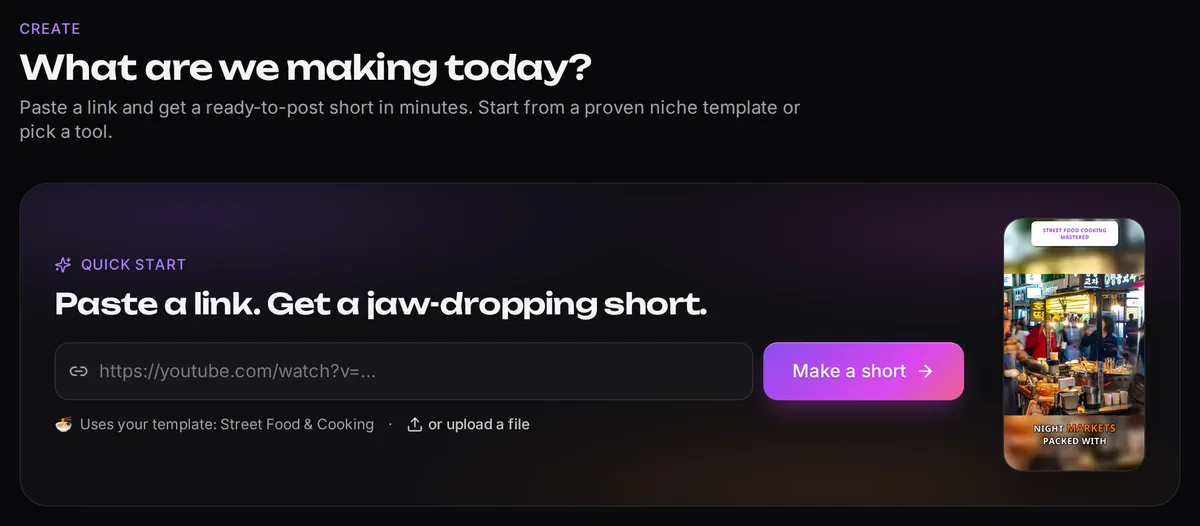
- Paste a link to your video, or upload it, on the YouTube to Instagram Reels page.
- Choose a template, the voice, the caption style and the music.
- Download the 1080×1920 MP4.
- Post it in the Instagram app with the steps above. Post Kit can write the caption and hashtags.
Or let WowReveal post it: on the Creator plan and above, connect your Instagram professional account in Settings and press Schedule on the finished video, and it goes out as a Reel now or at the time you pick. A reel made this way is still checked against Instagram's rules on original content like any other.
Sources
Checked on 24 November 2026.
Frequently asked questions
How do I make a Reel on Instagram?
Tap Create at the bottom of your Feed, then Reel. Record a clip or add one from your camera roll, add audio, text or effects, tap Next, write a caption, choose the cover and tap Share.
How long can an Instagram Reel be?
Instagram's Help Center says up to 20 minutes, from one clip or several, but reels over 3 minutes won't be recommended to new audiences.
What size should an Instagram Reel be?
Any aspect ratio from 1.91:1 to 9:16, at least 30 frames per second and at least 720 pixels. A full-screen vertical reel is 9:16, for example 1080 × 1920. The recommended cover is 420 × 654 pixels.
How many hashtags can I use on a Reel?
Up to 5 on a post, Instagram's Help Center says; a comment with more than 5 won't post.
Can I make a Reel from someone else's video?
Only with the owner's permission, and Instagram counts it as original only with material edits, such as narration or a storyline that adds something new. Borders, speed changes or crediting the creator are not enough, and unoriginal reels may not be recommended to people who don't follow you.
Can I make Reels on a computer?
Yes: on instagram.com click Create, then Post, and choose a video. You can pick the cover, trim the start or the end and write the caption; for effects and the timeline editor, use the app.
Where to go next
Generate your reel right now
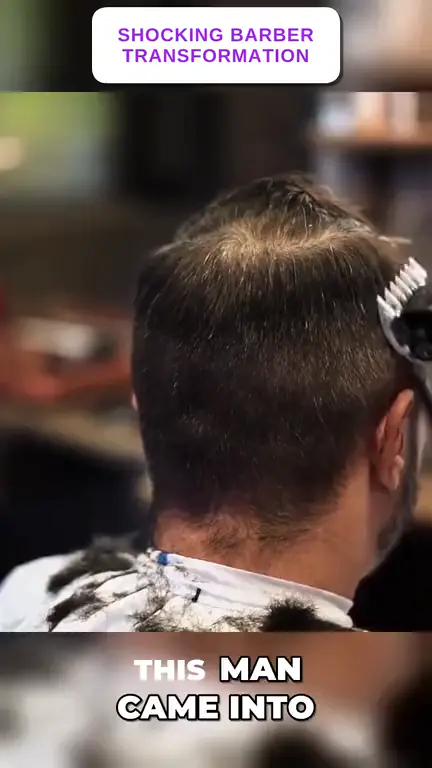
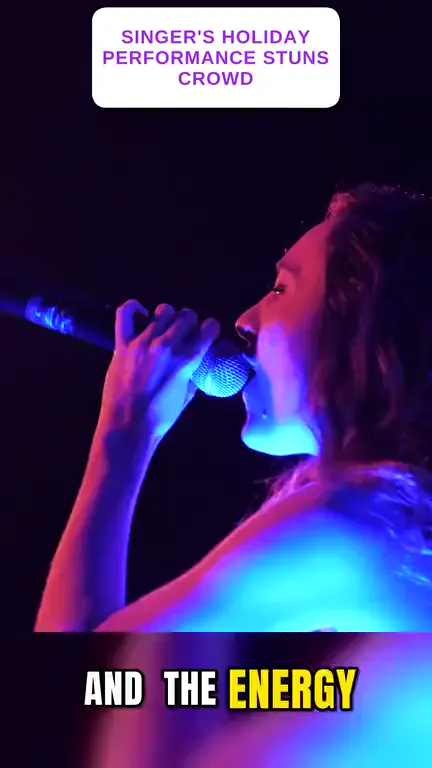
Paste a link to any video — WowReveal writes the story, voices it and adds captions, a headline and music. Ready for Reels, Shorts and TikTok.

No link? Upload a file
- 30 free credits
- No card needed
- Voiceover in 27 languages
- Failed jobs refunded
Hrant Melkonyan
Founder of WowReveal. Makes AI videos himself: one of his TikTok videos passed 2 million views. Builds the AI pipelines behind WowReveal and ReelForge that turn long videos into vertical Reels and Shorts with voiceover, dubbing and animated captions. Based in Yerevan, Armenia.
About WowReveal →