Story Voiceover Shorts: Structure, Voice and Pacing
A beat-by-beat way to build voiced story shorts: how many words to write, which voice to pick, and how to keep narration and footage in sync.
In this article
A story voiceover short is made by writing a tight script (about 90-130 words for a 35-45 second video) with a hook, a build and a payoff, voicing it in a natural-sounding voice at a steady pace, and matching each narration beat to a footage clip or image. Three levers decide whether people stay to the end: structure, voice and pacing. Get those right and the rest is assembly.
Key takeaways
- Write 90-130 words for a 35-45 second short. Speaking speed sits around 2.5-3 words per second.
- Put the hook in the first 3 seconds, the build in the middle with open loops, and the payoff in the last 5-8 seconds.
- Pick one clear voice that fits the genre and keep it steady. Slightly stress the hook and the payoff.
- Change the visual every 2-4 seconds, or at every narration beat.
- The classic failure is narration longer than the footage. Cut words, don't speed up the audio.
- A stock voice reading someone else's story isn't original content. Your writing and editing have to carry it.
What a story voiceover short is (and why it works)
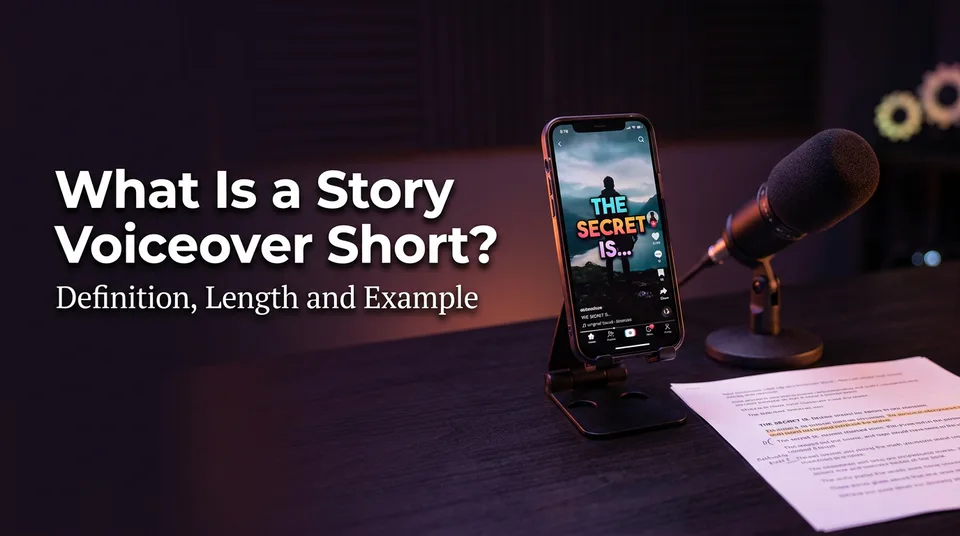
A story voiceover short is a vertical video where a narrator tells a short story over visuals that illustrate it, and the voice is the main thing holding attention. It works because spoken narration pulls the viewer forward in a way that on-screen text alone rarely does: you can't skim a voice.
It also suits creators who don't want to be on camera. Faceless storytime shorts, with drama, horror, wholesome or "did you know" stories, run on exactly this format across Facebook Reels, YouTube Shorts, TikTok and Instagram Reels.
The narrator-voice trend in one paragraph
The TikTok narrator voice trend is the wave of videos where a text-to-speech or narrator-style voice reads a story, often a confession, a drama or a twist, over unrelated or loosely related footage. The voice is the hook and the signature. The trend proves viewers will accept a synthetic narrator if the story is good. It also floods feeds with near-identical clips, which is why the original writing matters more than the voice.
How to make a voiceover short video: the 6-step workflow
You make a voiceover short in six steps: pick an idea, write the script, generate the voice, gather footage, add captions, and export in 9:16. Do them in that order, because every later step depends on the word count you set in step two.
Step 1-3: idea, script, voice
Idea. One story, one twist. If you can't say it in a single sentence, it's too big for 45 seconds.
Script. Write for the ear. Short sentences, concrete nouns, one idea per line. Aim for 90-130 words if the target is 35-45 seconds. A script writer helps with the first draft, but read it aloud before you accept it. Anything you stumble on, the viewer will too.
Voice. Generate the narration with AI voiceover or record your own. Listen to the whole clip once, not just the first line. Odd stress on names and numbers shows up late.
Step 4-6: footage, captions, export in 9:16
Footage. Collect one visual per beat, not one long clip stretched over everything. More on that in the visuals section.
Captions. Add animated captions timed to the voice. Many viewers watch muted, and captions also keep eyes on the screen for the full run.
Export. Render in 9:16 vertical, 1080×1920. Keep key text and captions away from the bottom edge and the right side, where each app puts its own buttons and description.
Can ChatGPT write or voice the story?
ChatGPT can write a solid first-draft script, and it can help you tighten one. It doesn't assemble a video, though, and a text chatbot output isn't a finished voiceover track. For the voice you need a text-to-speech tool: ElevenLabs and Murf AI are well-known standalone options, and some video tools have voices built in. Standalone tools usually give you more voice control. Built-in ones save you the export-import loop, which matters when you post daily.
Structure: map hook, build and payoff to the timeline
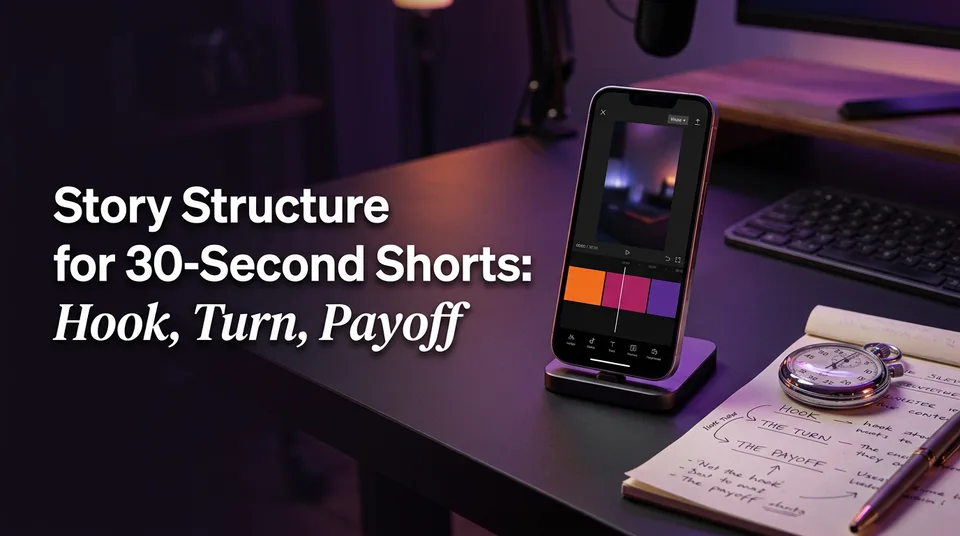
A 35-45 second story short splits into three parts: a hook in the first 3 seconds, a build from about 3 to 30 seconds, and a payoff in the last 5-8 seconds. Here's the template with word counts at roughly 2.75 words per second.
| Time | Job | Words | Visual changes |
|---|---|---|---|
| 0-3 s | Hook line | 8-12 | 1 |
| 3-30 s | Build, with open loops | 60-80 | 7-9 |
| 30-38 s | Payoff | 18-25 | 2-3 |
| 38-42 s | Loop-back ending | 6-12 | 1-2 |
The numbers are a starting frame, not a law. Your story decides the exact split.
0-3 seconds: the hook line
The hook is a single spoken line that makes leaving feel like a loss. Start in the middle of the action or with the strangest fact: "My landlord changed my locks while I was at work, and what he left inside was worse." No "so, today I want to tell you." If your first sentence could open any story, it's not a hook yet.
3-30 seconds: the build with open loops
The build adds facts while keeping questions unanswered. An open loop is a promise the story hasn't paid off: "And that's when I noticed the second set of footprints." Plant two or three of them. Close small ones along the way so the viewer feels progress, and keep the big one for the payoff.
Last 5-8 seconds: the payoff and loop-back ending
The payoff answers the biggest open loop, fast and plainly. Then end on a line that echoes the hook, so a replay feels natural when the short loops. Skip the "like and follow" outro here. It signals the story is over and invites the swipe.
Voice: choosing the best narrative voice for your story
The best narrative voice is a clear, natural one that matches the genre and stays steady for the whole video. Don't chase the "most human" sample in a gallery. Pick what suits the story, then keep the same voice across a series so viewers learn to recognize it.
Match voice to genre (drama, horror, wholesome, facts)
| Genre | Voice character | Pace | Emphasis |
|---|---|---|---|
| Drama / confession | Conversational, mid-low pitch | Steady | Hook and the reveal |
| Horror / mystery | Lower, calm, not theatrical | Slightly slower, longer pauses | Last line of the build |
| Wholesome / kindness | Warm, a bit brighter | Steady | Final emotional beat |
| Facts / explainers | Clear, neutral | Steady, a touch quicker | Numbers and names |
Avoid heavy character acting from a synthetic voice. Over-stressed lines sound fake quickly, and calm delivery reads as more believable than dramatic delivery.
AI voiceover vs your own voice
Your own voice carries personality and is hardest to mistake for a template. It also costs recording time, and a noisy room shows. An AI voice gives you consistency, speed and multiple languages, which matters if you post daily or run several pages.
WowReveal's voiceover works in 9 languages, so the same story can go out to different audiences without re-recording. Whichever you choose, check it on phone speakers, because that's where most people will hear it.
Pacing: narration speed for Shorts and Reels
Good narration pacing for shorts is about 2.5-3 words per second, with small pauses at changes of beat. That's a normal conversational speed, and it's the speed at which captions stay readable. Faster audio doesn't make a more exciting video. It makes a tiring one.
Words per second and script length by video length
This table answers the question "how many words for a 30 second voiceover" and its siblings.
| Video length | Words at 2.5-3 wps | Practical target |
|---|---|---|
| 20 seconds | 50-60 | About 55 |
| 30 seconds | 75-90 | About 80 |
| 45 seconds | 112-135 | About 120 |
| 60 seconds | 150-180 | About 160 |
Leave 2-3 seconds of breathing room for the opening beat and the final loop. That's why a 45 second video lands near 110-125 words instead of the maximum.
Pauses, emphasis and sentence length
Mix sentence lengths. Three short sentences, then one longer one, then a short one again. A pause of about half a second before the reveal does more than any volume change. Put slight emphasis on the hook and the payoff, and stay flat in between. If every line is emphasized, none of them are.
Visuals: what footage and images match the narration
Visuals should illustrate what the voice is saying at that second, and change at least every 2-4 seconds. If the voice says "he opened the door" and the screen shows a landscape, the brain splits and attention drops. Completion rate, the share of viewers who watch to the end, tends to track that match.
One visual change per beat
Divide the script by beats, not by time. A beat is one new fact or one new action. Give each beat its own clip or image, then check the cut rhythm. For a 40 second story that's roughly 10-14 visuals. Anything that sits on screen for more than about 5 seconds needs motion, a zoom or a caption change to stay alive.
Original footage, stock, AI images and AI video
You have four sources:
- Your own footage. Best for originality, slowest to produce.
- Licensed stock. Fast, but check the license for social and monetized use.
- AI images. Good for stories set in places you can't film. Add slow zooms.
- AI video. Useful for specific action beats, though it costs more per clip. Mixing images with a few video moments is usually the best balance.
Whatever you use, make sure you have the right to it. Don't pull clips from other creators without permission.
Captions as a second channel
Captions aren't decoration. They carry the story for muted viewers and reinforce key words for the rest. Keep them to 2-4 words on screen at a time, synced to the voice, high contrast, inside the safe area. Highlight the word being said when your editor allows it.
The most common mistake: narration longer than the footage
The most common mistake is a narration track that runs longer than the visuals underneath it, leaving black frames, frozen last clips or a speed-up that makes the voice sound rushed. It happens because people write the script first and gather footage after, without checking one against the other.
A quick length check before you render
Do this arithmetic before you assemble anything:
- Count the words in your script.
- Divide by 2.75 to get seconds of narration.
- Add 2-3 seconds for the opening and the loop-back.
- Compare with the total length of your clips.
Example: 118 words ÷ 2.75 is about 43 seconds, plus 2 for the ending makes 45. If you only have 32 seconds of footage, you're 13 seconds short. Either the script is too long or the footage is.
How to fix it: cut words, not speed
Trim the script first. Remove adjectives, repeated context and any line that doesn't move the story. Then, if the story really needs those lines, add more relevant clips or split it into two parts with an open ending on part one. Don't push the audio speed to 1.2x to make it fit. It lowers comprehension and gives the video a rushed, auto-generated feel that viewers notice.
Keep voiced stories original and monetization-safe
AI-voiced story shorts can be fine on Facebook and YouTube, but only when the video adds original writing, editing and visuals instead of a synthetic voice reading someone else's content. Platform rules change, so check the current versions rather than trusting any summary, including this one.
Meta's creator hub covers Facebook content monetization and originality guidance. YouTube's channel monetization policies address reused and repetitive content for the YouTube Partner Program. We've watched pages lose reach after repeatedly posting thin or recycled clips, and a stock voice over a copied story is exactly that kind of content.
A practical safety list:
- Write your own script, or rewrite a draft heavily until the structure and wording are yours.
- Never read another creator's story verbatim without permission.
- Use footage and music you're licensed to use, and don't try to dodge Content ID or originality checks.
- Check each platform's current rules on AI and synthetic content, including any labeling requirements.
Eligibility and earnings are decided by the platforms, not by your tooling.
A repeatable setup for daily posting
A daily routine works when you batch the steps and reuse the same template. Pick a genre, a voice and a caption style, then run each story through the same pipeline: idea, script, voice, visuals, captions, export.
In WowReveal, the story writer drafts the script, the voiceover tool voices it in the language you choose, and captions, a headline, music and a cover are added before it renders in 9:16. You still do the part that matters: choosing the story, editing the draft, and checking the length arithmetic above. A free card-free start covers a few tests, and failed jobs are refunded automatically.
Keep a simple log of which stories hold to the end and which don't. After 20 or so posts, your own data about hooks, voices and lengths will beat any generic advice.
Frequently asked questions
How many words for a 30 second voiceover?
About 75-90 words at a normal speaking speed of 2.5-3 words per second. Aim for around 80 so you have room for a short pause before the payoff.
Can ChatGPT do voice overs?
ChatGPT is good at drafting and tightening a story script, but it won't assemble a finished video for you. For the audio you'll normally use a text-to-speech tool, such as ElevenLabs, Murf AI or a voiceover built into your video app, then combine it with visuals and captions.
What is the best narrative voice for my story?
The best voice is clear, natural and matched to the genre: calm and low for horror, warm for wholesome stories, neutral for facts. Keep the same voice across a series and test it on phone speakers before you post.
ElevenLabs vs built-in AI voiceover for shorts: which should I use?
Standalone tools like ElevenLabs often give you finer control over voice and delivery. Built-in voiceover saves export and import steps, which helps when you post daily. If you publish several shorts a day, workflow speed usually matters more than small differences in voice.
Do I have to speed up the voice to hit 40 seconds?
No. Speeding up audio hurts comprehension and sounds rushed. Cut words from the script, or add relevant clips, until the narration fits the footage at a natural pace.
Where to go next
- What Is AI Voiceover? Definition and How It Works — start here if you're new to synthetic voices and want the basics first.
- How to Write a Short-Video Script with AI (Hook, Body, Payoff) — deeper help on the script step that comes before voicing.
- Hooks for Reels and Shorts: How to Win the First 3 Seconds — more hook examples for your opening line.
- How to Add AI Voiceover to Reels, Step by Step — a tool-level walkthrough of the voicing step.
- Best Reel Length and Pacing for Completion Rate — helps you decide the right length before you write the script.
- How Long Should a Clip Be for Shorts and Reels? — useful for sizing each visual beat.
- Are AI Story Videos Allowed on Facebook and YouTube? — the policy side of voiced AI stories in more detail.
- AI Story Shorts: The Idea-to-Reel Production System — shows the full production system around this workflow.
- AI Short Video Creation for Reels and Shorts: The Complete Guide — the pillar guide for the wider topic.
- AI-Generated Scenes for Shorts: A Step-by-Step Workflow Without Footage
- How to Budget for an AI Shorts Workflow: Cost per Short, Plans and Credits
- YouTube Shorts vs Long-Form for Earning: How to Decide
Generate your reel right now
Paste a link to any video — WowReveal writes the story, voices it and adds captions, a headline and music. Ready for Reels, Shorts and TikTok.



No link? Upload a file
- 30 free credits
- No card needed
- Voiceover in 9 languages
- Failed jobs refunded